Mark up the book.
Import a PDF or Word script, or a score, and mark every cue where it fires. Annotate once, then lay it out for print or for the desk.
Download on the App Store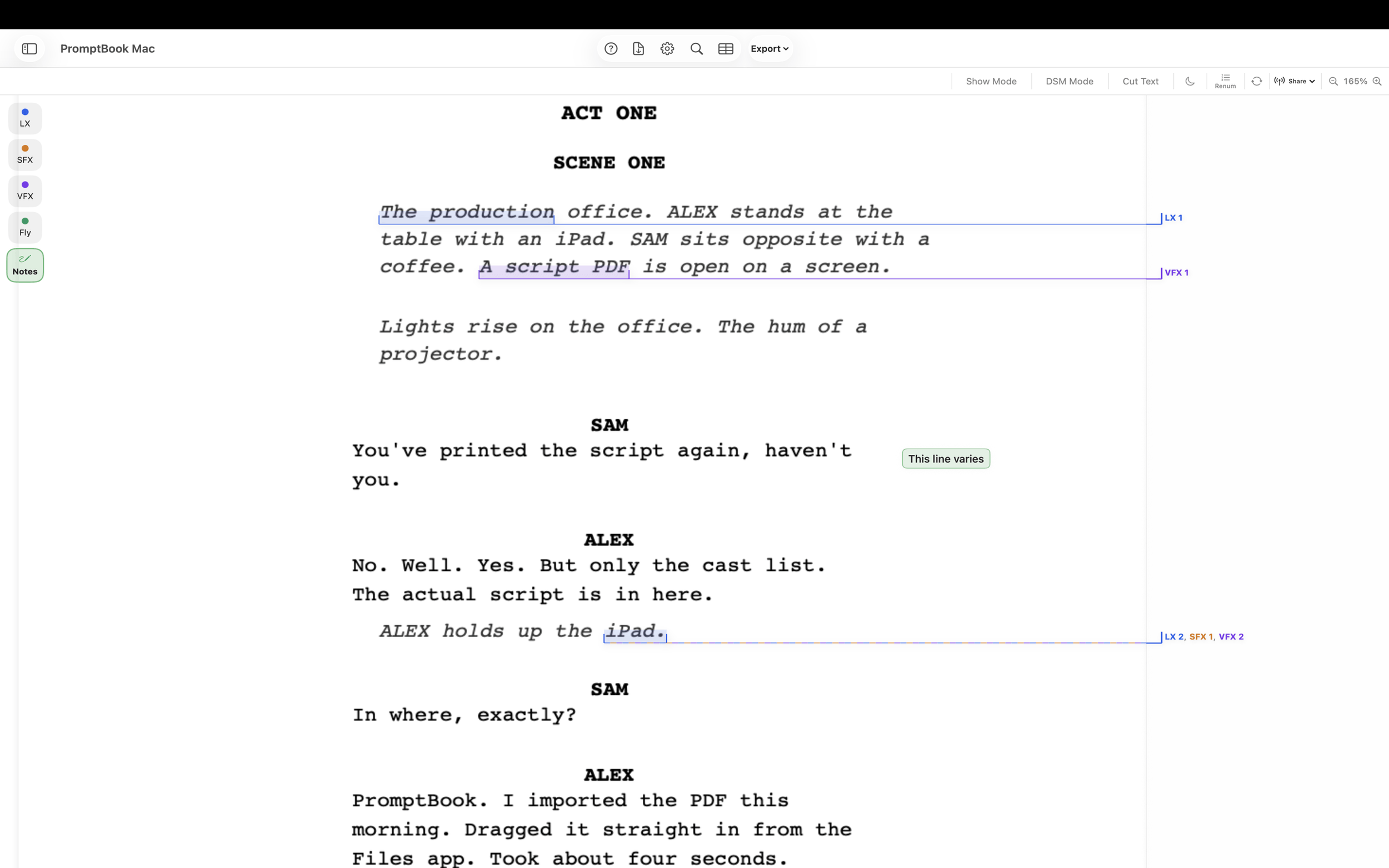
Cues in colour-coded lists
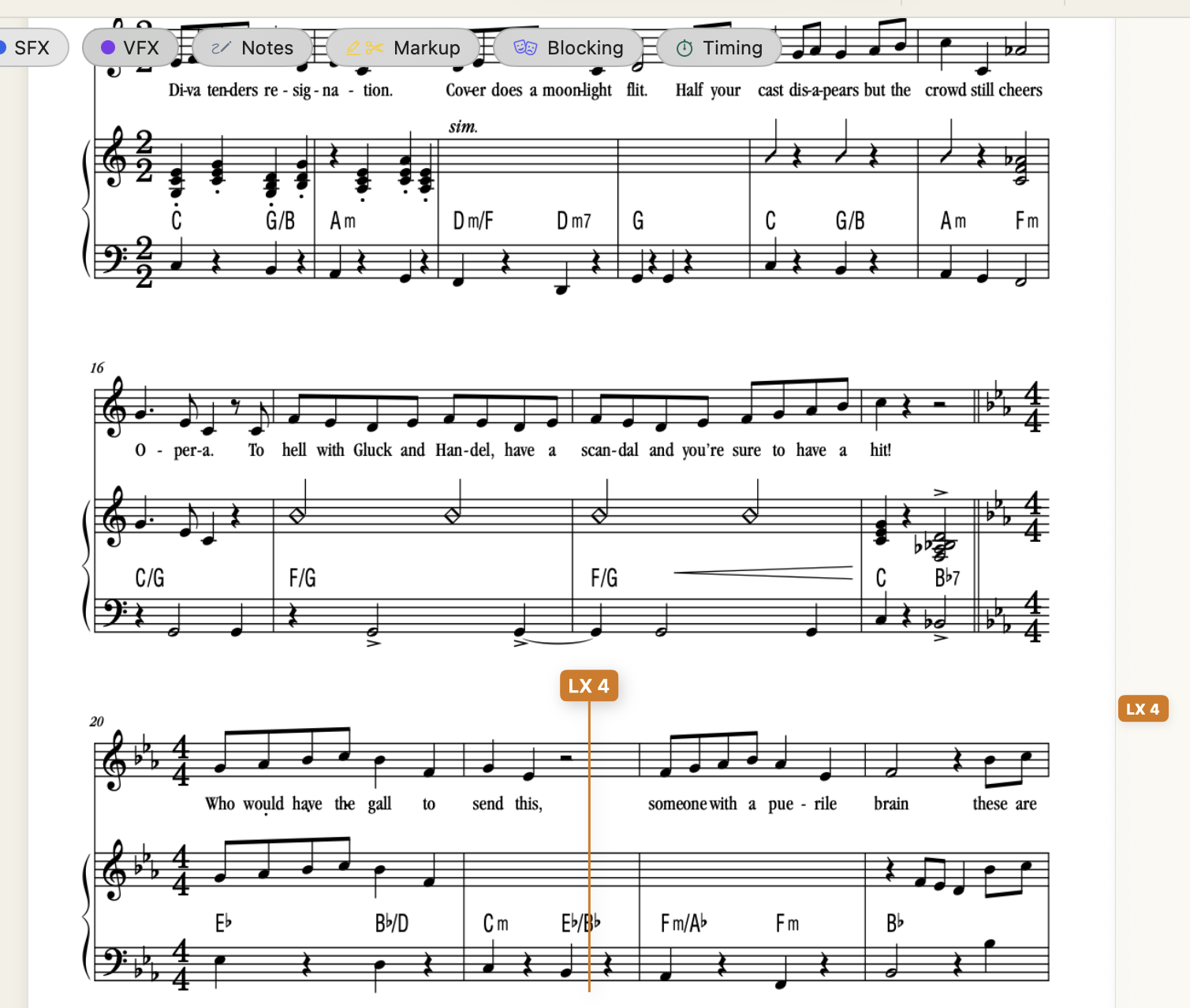
Drag across the line where a cue fires. Each cue keeps its list, number, label, notes and the words it sits on. Range, point and free point cues, on text or on a score.
- Lists for LX, sound, video and any you add, each in its own colour
- Numbering rules: count in 2s or 5s, and cues added between others number themselves
- Several cues from different lists on one spot
Guide: Marking CuesGuide: Cue Details & Multiple CuesGuide: Cue Lists & Layers
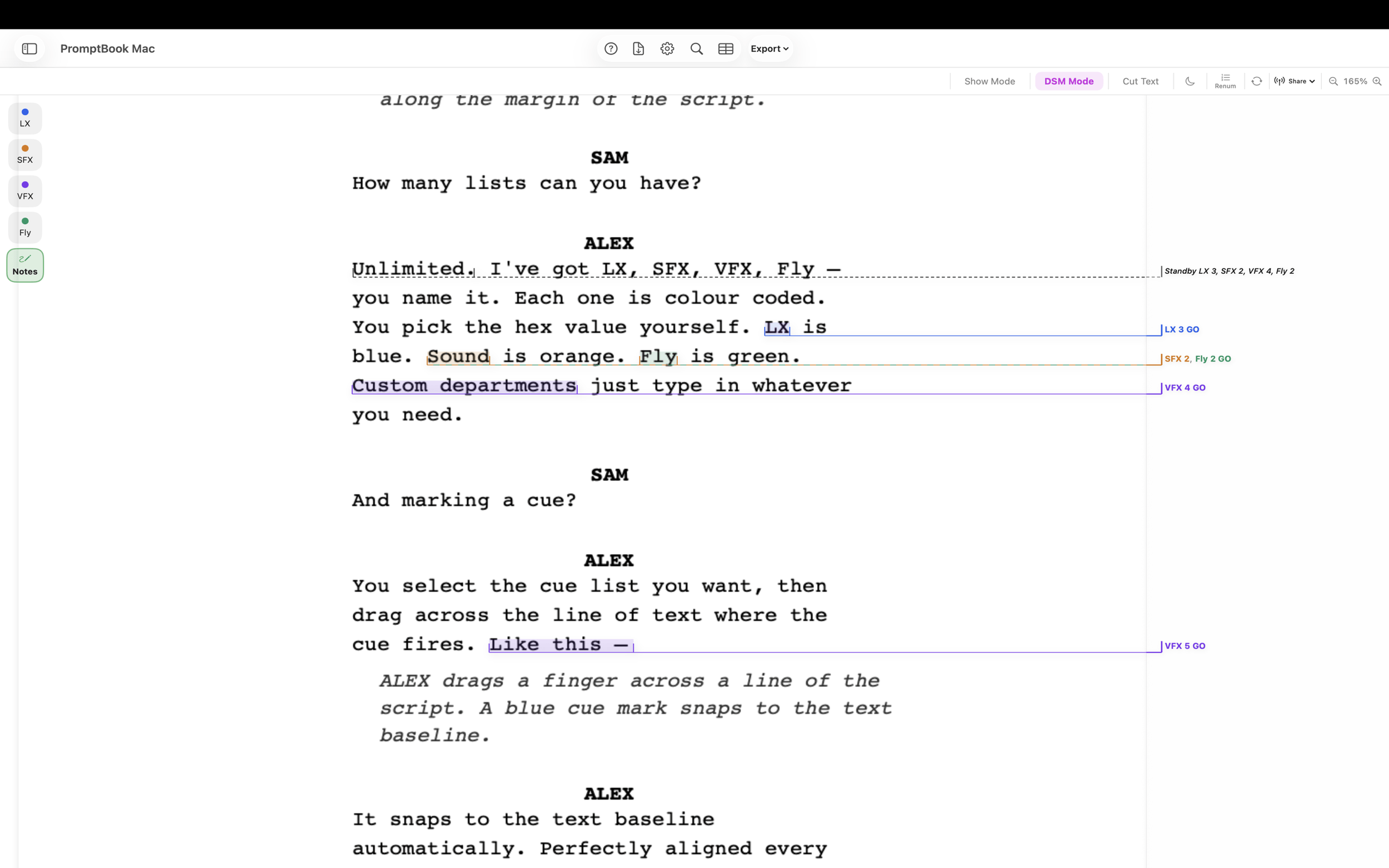
Standbys written for you
DSM Mode adds GO to every call and writes the standbys from the GO cues that follow, set in the gutter so they never strike through the text. A standby check lists any cue nothing stands by.
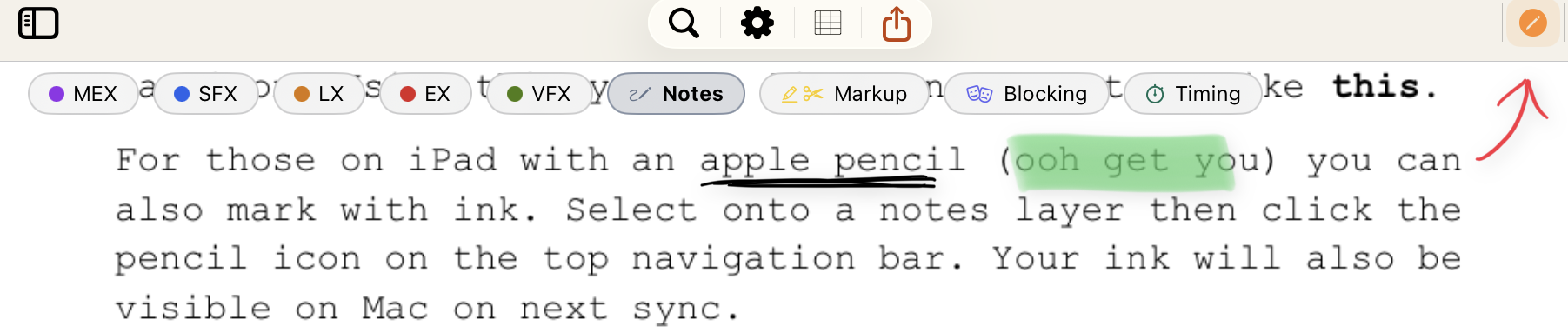
Notes, ink and markup
Typed notes on their own layers, handwriting with Apple Pencil on iPad that syncs to Mac, highlights and cuts that carry into the exported PDF, and corrections typed over the script's own words.
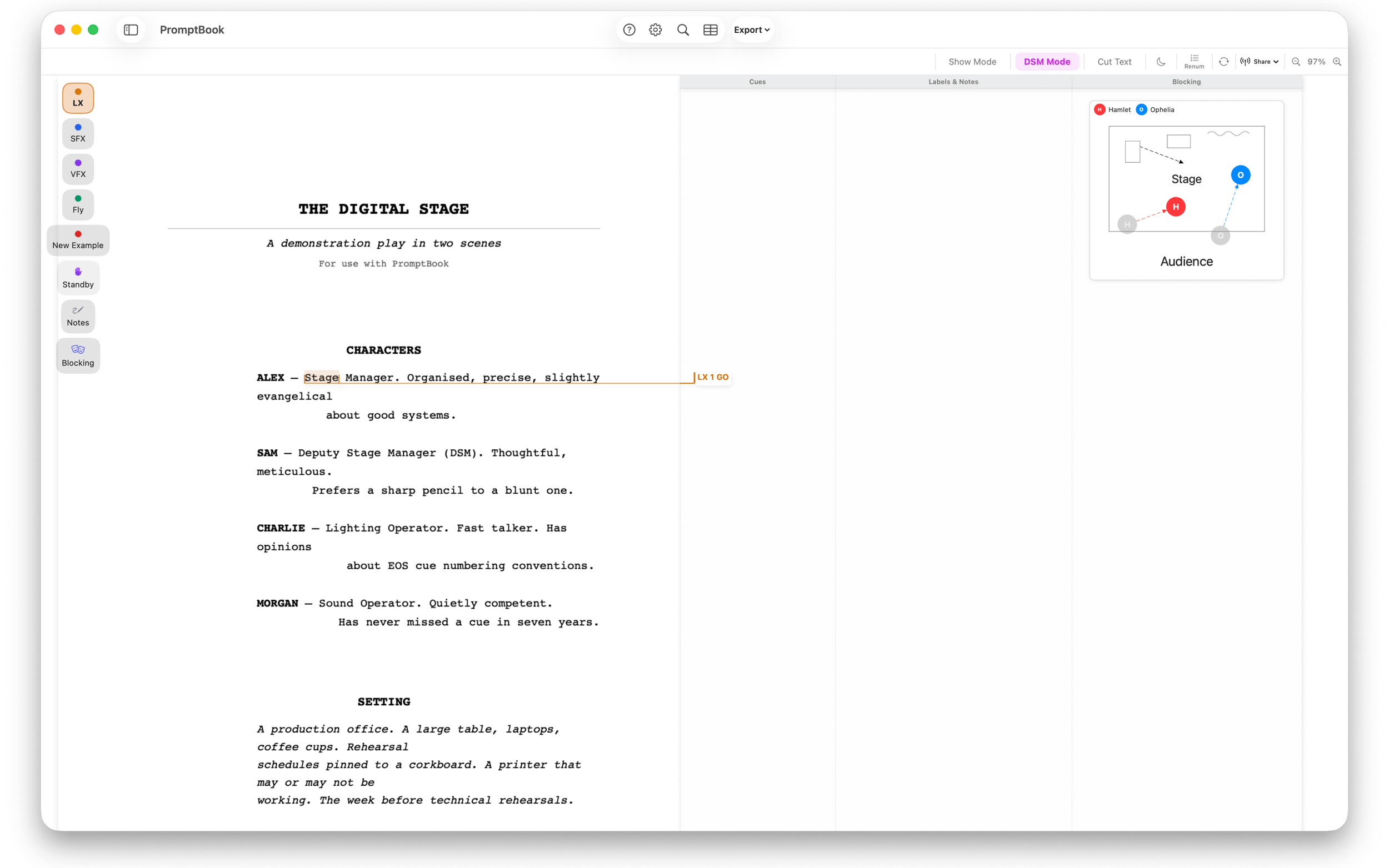
Blocking on the page
Draw moves and positions on a stage layout, tied to the line or the cue, with actors and set pieces from the show.
One book, every layout
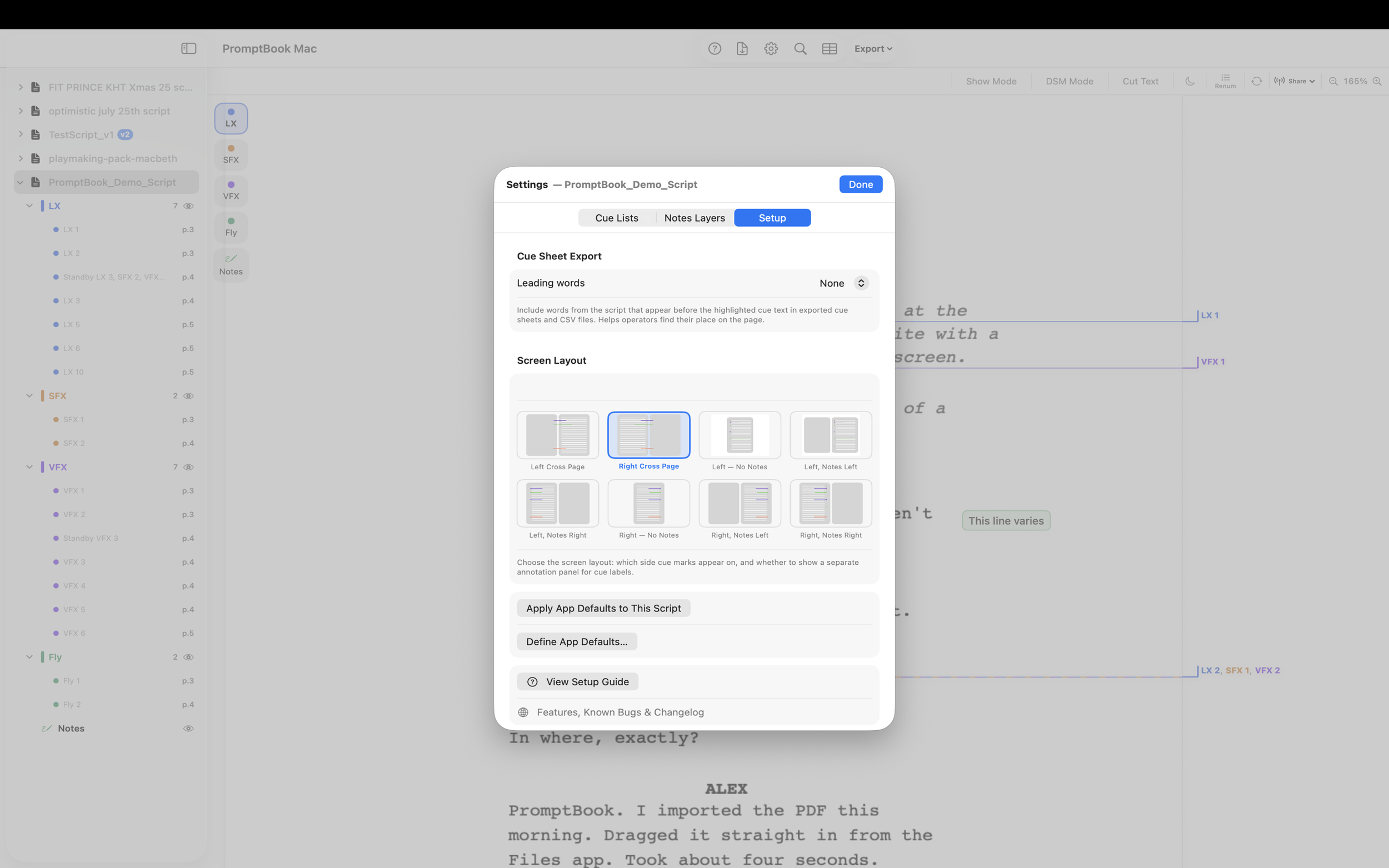
Annotate once, then change the layout to suit you or whoever you hand the show to: cue side, notes side, cross-page or inline, with different layouts for print and for the screen, and a dark page for the desk.
New drafts, sharing and export
- New drafts
- Import a revised script and the cues move across by their words and position. Anything uncertain is listed for you to check.
- Shared scripts
- Invite the team into a script and work on it together in real time over iCloud. The owner can give each list or layer to one person.
- Export
- A prompt book PDF in binder or single-page layout, cue sheets as spreadsheets, or a CSV straight into an ETC EOS desk.